School office
Focus on the needs of students, parents, and staff, with an autopilot that handles routine tasks according to your rules.

Relieving the school office with AI
Use the same student, class, and parent data in the school office that the class register and timetable rely on.

OhayoSchool helps the school office
- record calls as phone notes and track reminders until they are done,
- review and confirm sick notes from parents,
- run the school's cafeteria, library, and inventory
- and create new students directly from accepted enrollment applications.
AI for the school office
Take care of open items in conversation with OhayoSchool.
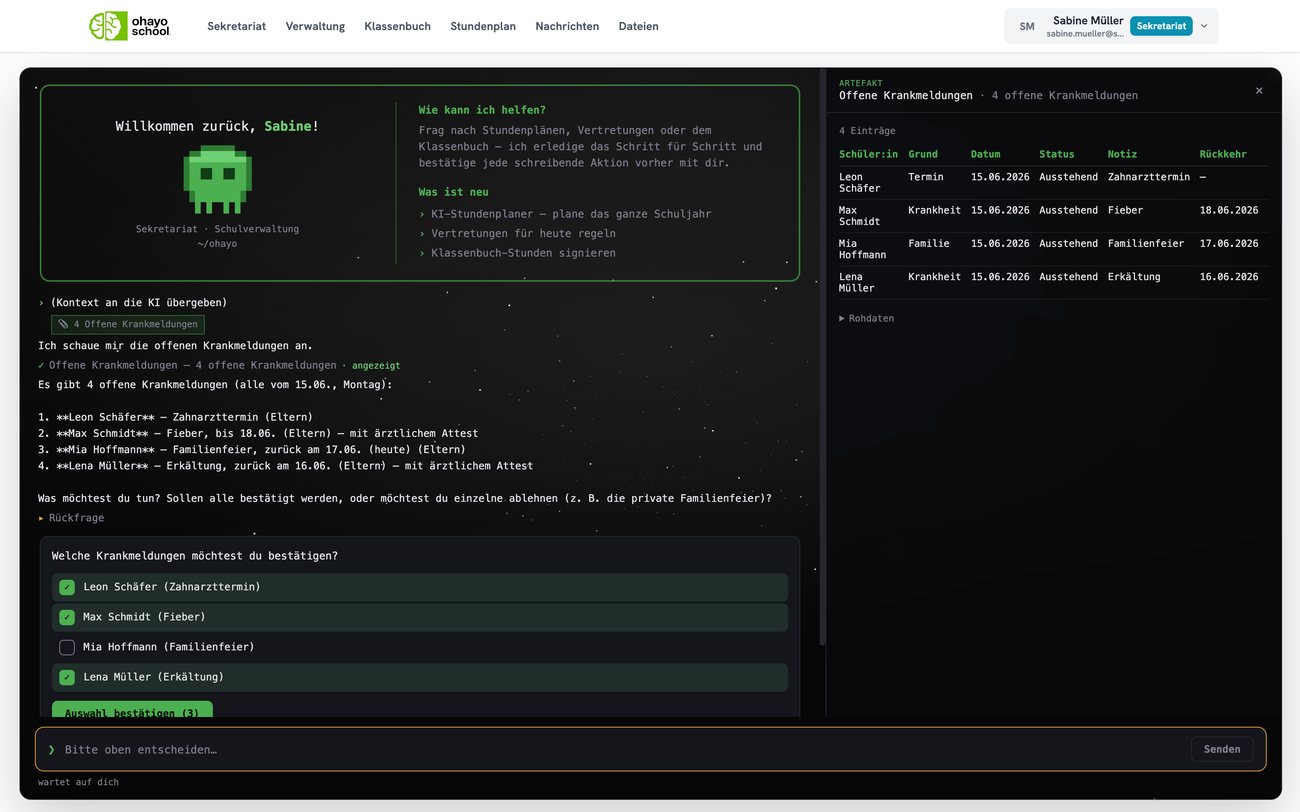
Ohayo Terminal
When you start, the Ohayo Terminal shows a briefing for the school office and uses tools from the school office, teaching, and administration during the conversation. Before OhayoSchool changes any data, it asks for your confirmation.
Learn more about the Ohayo TerminalHow OhayoSchool supports your school office
See which applications support your school office, from the inbox to accident reports.
Let the autopilot apply only the rules your school leadership has switched on, and stop it whenever you need to.
Learn moreShare one mailbox with your school's address as a team, and write to many parents at once through a distribution list.
Learn moreCollect information digitally, for example about a field trip, and let OhayoSchool tally the answers to a survey.
Learn moreTrack the read receipts for every parent letter and remind the families who have not confirmed yet.
Learn moreWhen a student arrives late, check whether a bus or train on their route to school was delayed, and issue the certificate.
Learn morePrepare changes to your school's website as a draft and publish them after preview and approval.
Learn moreRecord several teacher absences at once and see in substitution planning which lessons are open.
Learn morePlan school dates such as parent-teacher day in the calendar and book rooms in the same application.
Learn moreRecord every accident with the necessary details and note that it has been reported to the accident insurer.
Learn moreCreate accounts for new students and teachers and send the activation codes by email.
Learn moreIn focus
 OhayoSchool
Make time for teaching
Training for school office staff and school leaders, remote or at your school.
View trainingLaunch of the intelligence infrastructure
What OhayoSchool newly offers, including for work in the school office.
Read newsGetting started
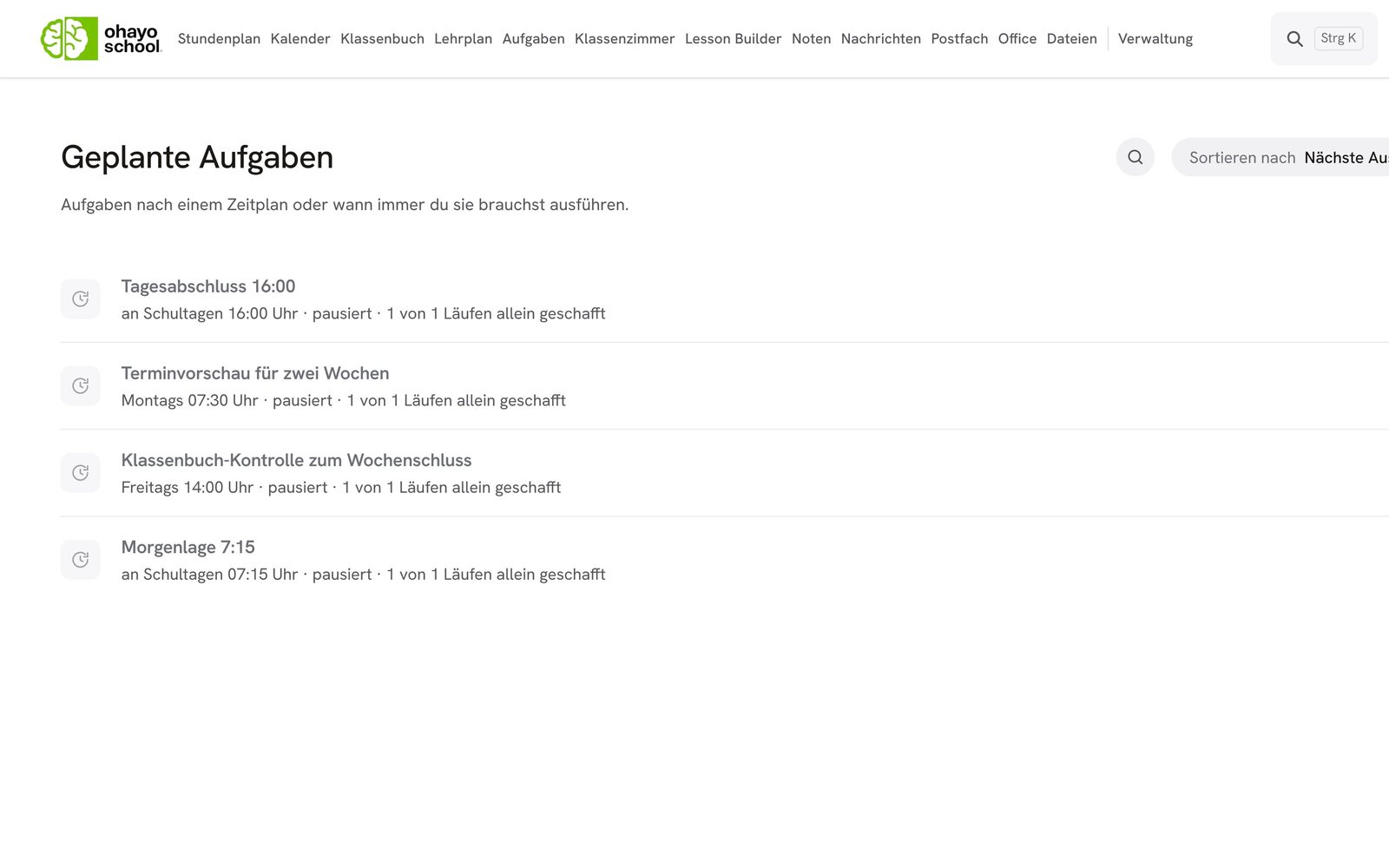
The school office in action
Learn in a personal demo how OhayoSchool makes work in the school office easier.
Frequently asked questions
What happens to items that no rule covers?
OhayoSchool places them on the approval list, and you decide each case yourself. Every step the autopilot takes remains traceable in the log.
Can our school define its own workflows for the autopilot?
Yes. In Ohayo Skill Studio, your school builds its own workflows and rules without programming, and the autopilot in the school office carries them out. Learn more about Ohayo Skill Studio
How do sick notes reach the school office?
Families report their child sick in the parent portal using the sick note assistant, and every report appears in your list of open sick notes. If a sick note arrives by email, the inbox assistant detects it, and you transfer it from the mailbox straight into the absences.
How does the school office keep track of faults in the building?
OhayoSchool collects all fault reports in a separate list in the school office. There you keep the status of each report up to date until the fault is fixed. Learn more about campus services
Which data does the Ohayo Terminal see?
Only the data your role in OhayoSchool is allowed to see. Whatever is hidden from you stays hidden in the conversation too.
What does OhayoSchool cost for the school office?
The digital school office is part of the Administration package and included in the price per student per month. Accounts for teachers, office staff, and school leaders cost nothing extra. See pricing
Can I try OhayoSchool before I commit?
Yes. In a personal demo, we show OhayoSchool with the data of a sample school.