Ohayo Skill Studio
Decide what OhayoSchool handles on its own at your school, with your own workflows and rules from the builder and your approval for everything else.
What is Ohayo Skill Studio?
Ohayo Skill Studio is the OhayoSchool builder where you create your own workflows and rules without programming and control how the autopilot works.
The autopilot handles recurring tasks according to the rules you have switched on.
OhayoSchool passes tasks without a matching rule to a person in the school office for a decision.
You find the autopilot settings for the school office in the Digital school office application.
Ohayo Skill Studio functions
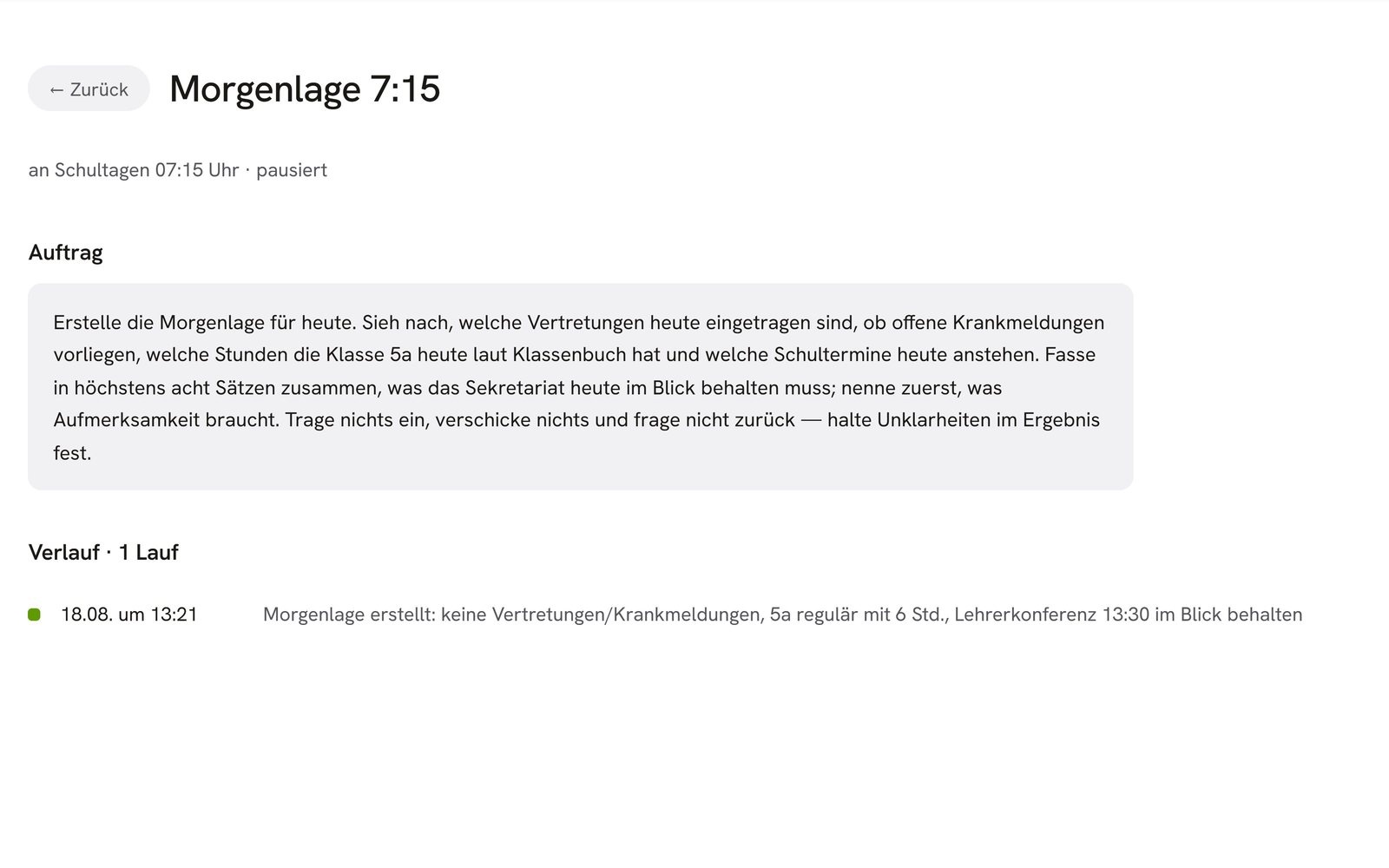
Follow what the autopilot is working on and step in at any time.
Put together workflows for recurring tasks in the builder, and the autopilot then carries them out for your school.
Switch each school office rule on individually, and switch it off again whenever you would rather handle those cases yourself.
Start or pause the autopilot for the entire school office with a single switch.
Learn more about AI agents and assistantsDecide on each task in the approval list, and dismiss cases that have since resolved themselves.
Record your own steps in the log alongside those of the autopilot.
See changes to the approval list and the log right away, even when a colleague made them.
Support your school with Ohayo Skill Studio
Start with a few rules and switch on more once your school office team is familiar with the autopilot.
Learn moreWhen questions come up, show when the autopilot handled which task.
Learn moreReview sick notes from parents in the school office before you confirm or reject them.
Learn moreMore platform components
In focus
 OhayoSchool
Make time for teaching
Training for school leaders and office staff on the autopilot and your own workflows, remote or at your school.
View trainingBusiness process management
The school office, school email, forms, and campus services at a glance.
Learn moreThe next step
OhayoSchool in action
Learn in a personal demo how the autopilot can work in your school office.
Frequently asked questions
How is Ohayo Skill Studio different from the Ohayo Terminal?
In the Ohayo Terminal, you ask OhayoSchool for a single task and confirm every change. In Ohayo Skill Studio, you decide which recurring tasks the autopilot handles without asking.
What happens when we pause the autopilot?
The school office then handles all new tasks itself. As soon as you restart the autopilot, it applies the rules that are switched on.
Who can switch rules on and off?
School leadership switches the autopilot's rules on and off. Your school decides which permissions the other roles have. Learn more about Ohayo Vault
What does Ohayo Skill Studio cost?
Ohayo Skill Studio is included in both packages, Administration and Intelligence infrastructure. Accounts for teachers, office staff, and school leaders cost nothing extra. See pricing
Can I try OhayoSchool before I commit?
Yes. In a personal demo, we show OhayoSchool with the data of a sample school.