Ohayo Terminal
Ask about substitutions or sick notes in everyday language and get tasks done right away, with tools from the school office, teaching, and administration.
What is the Ohayo Terminal?
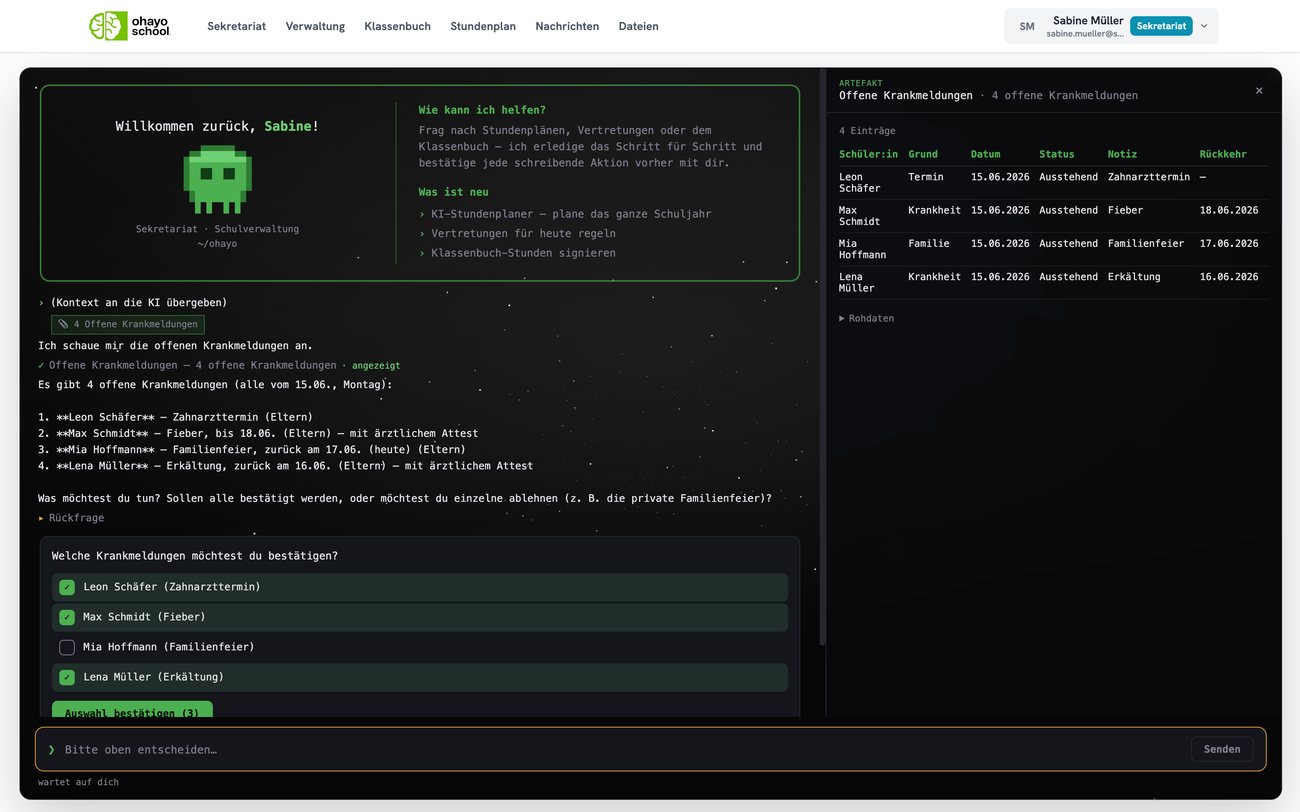
The Ohayo Terminal is the workspace where you hand tasks to OhayoSchool in conversation and review the results right away.
Every write action waits for your confirmation and is then recorded in the log.
In the conversation, OhayoSchool only reads the data your role is allowed to see in the applications.
Questions and answers in the Ohayo Terminal stay on servers in Germany.
Ohayo Terminal functions
Stay on top of things in the conversation, from the briefing at the start to the confirmed action.
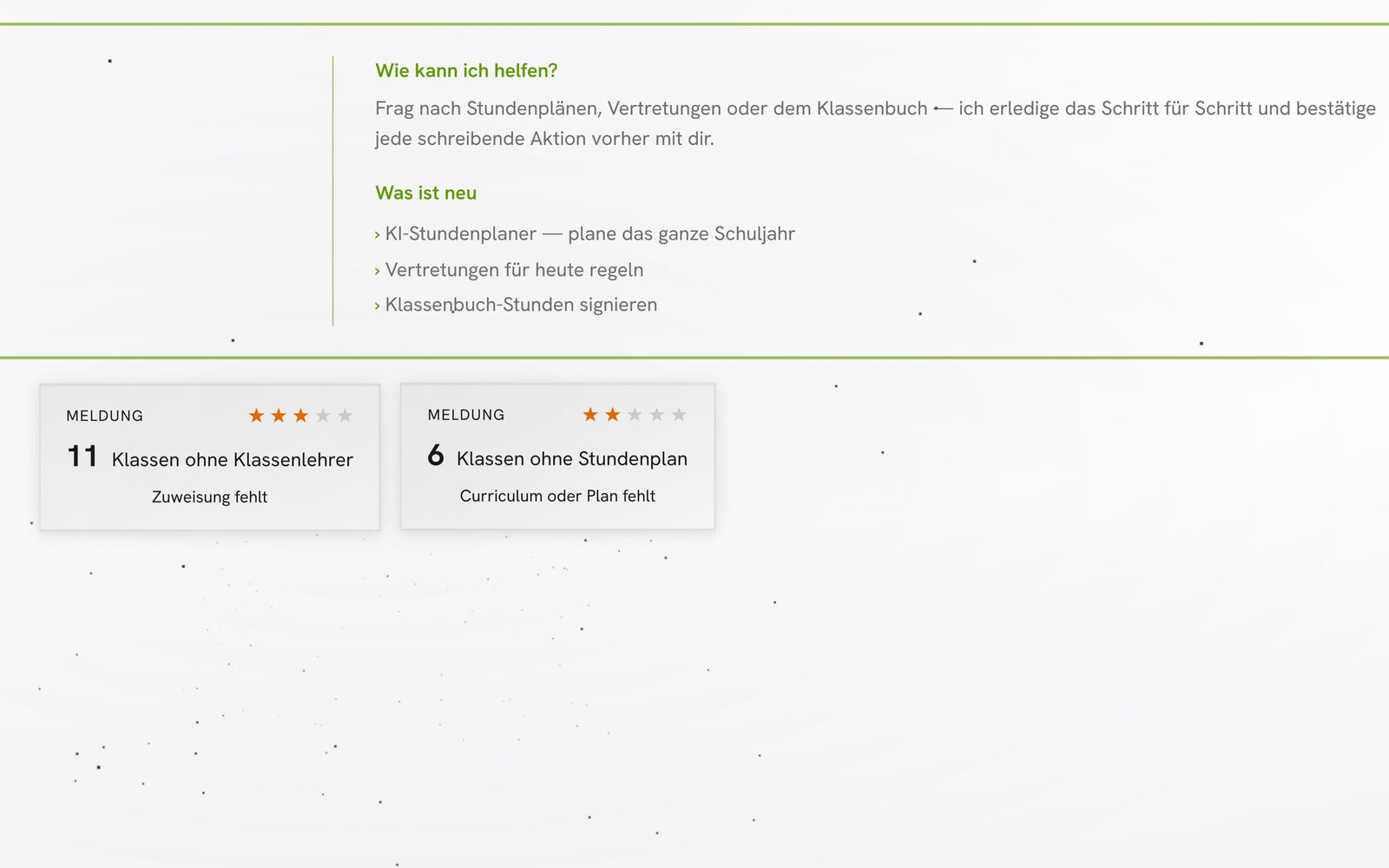
See messages that match your role when you start, and attach one of them to your question as context.
When OhayoSchool asks a follow-up question, pick the right entries from a list, and your selection counts as confirmation.
See lists and timetables as a table next to the conversation as soon as OhayoSchool has retrieved them.
Pick up an earlier conversation again, even if a follow-up question in it is still open.
Ask how something works in OhayoSchool and get the answer right in the conversation, because the Ohayo Terminal knows OhayoSchool's functions.
Support your school with the Ohayo Terminal
Handle the day's substitutions in conversation, from recording the absence to suggesting available teachers.
Learn moreConfirm several open sick notes at once and decline individual ones.
Learn moreSign open lessons in the class register without switching applications.
Learn moreDraft a parent letter in conversation and send it to the parents of a class.
Learn moreEvery answer is based on your school's data
One answer from several applications
OhayoSchool puts together answers in the Ohayo Terminal from the current data of every application involved, all of which run on the same database.
Learn more about Ohayo Data CloudIn focus
 OhayoSchool
Make time for teaching
Training for school leaders and office staff, remote or at your school.
View trainingThe next step
OhayoSchool in action
Learn in a personal demo how you get tasks done in conversation with the Ohayo Terminal.
Frequently asked questions
Who works with the Ohayo Terminal?
School leaders, office staff, teachers, and students. Students use the Ohayo Terminal to learn in conversation with OhayoSchool.
What is the difference between the Ohayo Terminal and the assistants?
Each assistant is built for one task, such as substitutions or the class register. In the Ohayo Terminal, you can reach several of them in the same conversation.
Do we need the Ohayo Terminal to work with OhayoSchool?
No. You can also handle tasks from the conversation, such as sick notes or signatures in the class register, directly in the applications.
What does the Ohayo Terminal cost?
The Ohayo Terminal is included in both packages, Administration and Intelligence infrastructure. Accounts for teachers, office staff, and school leaders cost nothing extra. See pricing
Can I try OhayoSchool before I commit?
Yes. In a personal demo, we show OhayoSchool with the data of a sample school.