School leadership
Learn how you can stay on top of teaching, staff, and reporting duties as a school leader, with applications and an assistant that prepare your decisions.

School organization with AI and current school data
The timetable, class register, school office, and grades come together in OhayoSchool, so you always have the current status of your school in front of you.
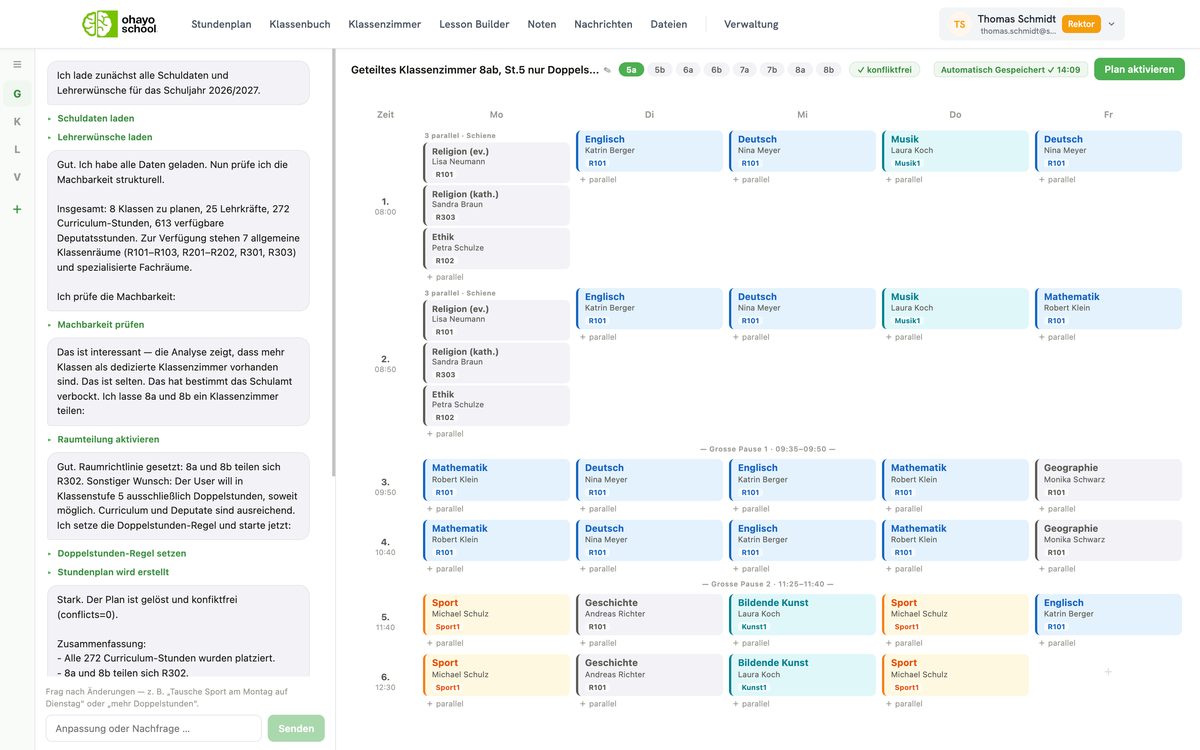
OhayoSchool helps school leaders
- keep lessons running when teachers are absent at short notice,
- share the workload fairly across staff,
- meet reporting and documentation duties in a verifiable way,
- and follow how classes perform over the school year.
AI for school leaders
Work through absences, alerts, and approvals in conversation with OhayoSchool.
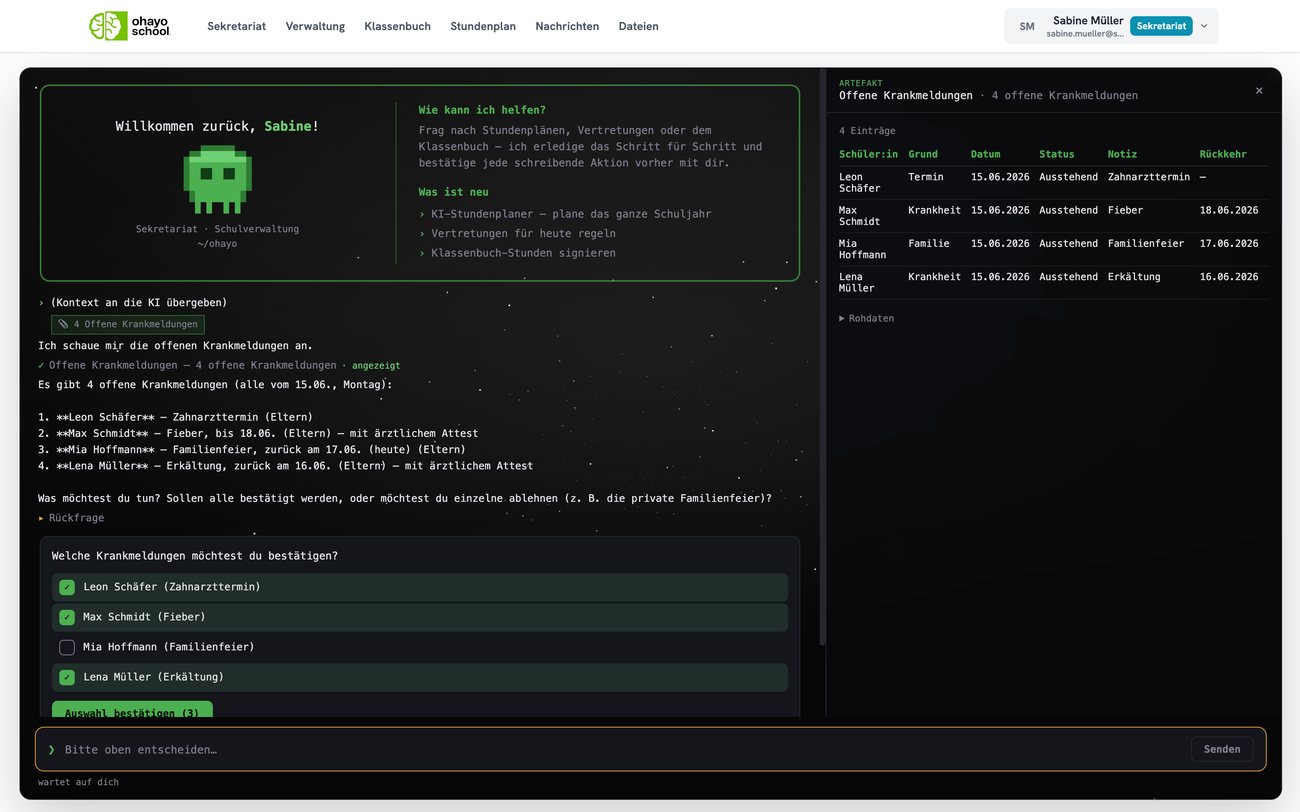
Ohayo Terminal
The Ohayo Terminal opens with a briefing for school leaders, and you can pin its updates to the conversation as context. Report a teacher as sick, and OhayoSchool suggests substitutes for their lessons. OhayoSchool only carries out a change once you confirm it, and records it in the audit log.
Learn more about the Ohayo TerminalHow OhayoSchool supports your school leadership
See which applications support you with lesson coverage, administration, compliance, and learning outcomes.
See which teachers are free for each open lesson, or let the autopilot assign cover according to your rules and log every assignment.
Learn moreSee who is above or below their teaching load and staff break supervision for every week.
Learn morePlan staff meetings with a room and invitations, and document decisions in the minutes.
Learn moreSwitch autopilot rules on or off and follow every step the autopilot has taken in the log.
Learn moreDecide on applications from new students and have OhayoSchool fill elective places according to students' preferences.
Learn moreFollow accident reports and compulsory schooling cases through to closure and trigger the emergency message in a crisis.
Learn moreCheck that every lesson is recorded and signed, and look up each student's attendance history.
Learn moreHandle data protection tasks such as access and deletion requests, consents, and retention periods in one place, and report data breaches there too.
Learn moreCompare results across your classes in each subject and keep the weighting of grade types consistent.
Learn moreUse a class's average profile and weak topics to see where support should start.
Learn moreIn focus
 OhayoSchool
Substitute planning in schools
The criteria schools use to choose a substitute when teachers are absent.
Read articleData protection in schools
Legal bases, responsibilities, and the rights of the people concerned at a glance.
Read articleGet started
OhayoSchool in action
See in a personal demo what a school day looks like in OhayoSchool from a school leader's point of view.
Frequently asked questions
Can school leaders see how many lessons are canceled?
Yes. Alongside covered lessons, the substitution statistics also count every canceled lesson. Learn more about timetabling
Can you analyze trends across several school years?
Yes. Ohayo Radar shows analytics on substitutions, grades, and learning levels across several school years in a dedicated overview. Learn more about Ohayo Radar
Who decides what teachers and office staff can see?
Your school does. It decides which role can see and change which data, and gives every account a role.
How do teachers and classes find out about a substitution?
OhayoSchool notifies them as soon as the substitution plan takes effect. The substitution also appears in the timetables of the class and the teachers involved.
What does OhayoSchool cost for school leaders?
Every application for school leaders is part of the intelligence infrastructure. The Administration package is billed per student per month, the Intelligence infrastructure package additionally per active student. Accounts for teachers, office staff, and school leaders cost nothing extra. See pricing
Can I try OhayoSchool before I commit?
Yes. In a personal demo, we show OhayoSchool with the data of a sample school.