Teachers
Learn how you can prepare lessons, keep the class register, and follow each student's progress as a teacher, with assistants that prepare drafts and leave the decisions to you.

From lesson draft to report card
Your school enters classes and student lists only once, and the lesson planner, class register, assignments, and grades all work with the same data.
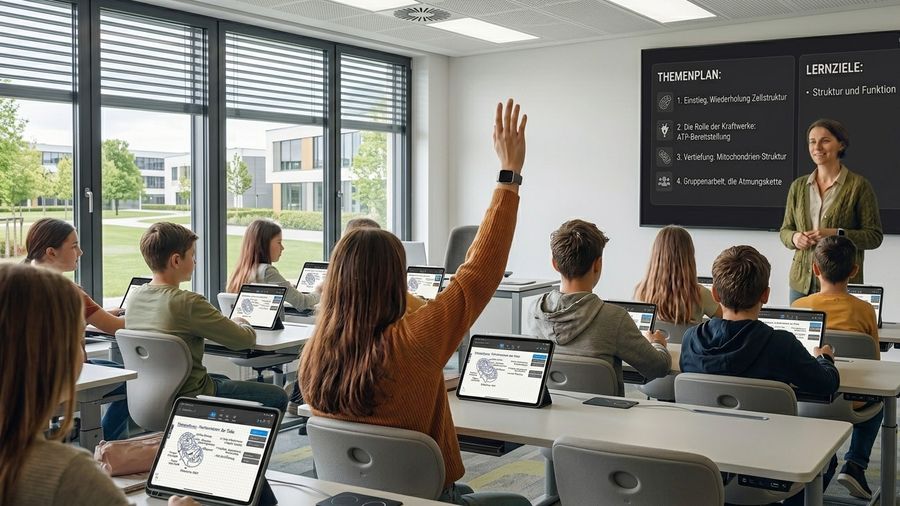
OhayoSchool helps teachers
- get the class actively involved in lessons,
- grade student work with a consistent weighting,
- and support students where they need help.
AI for teachers
Plan your next lesson in conversation with OhayoSchool.
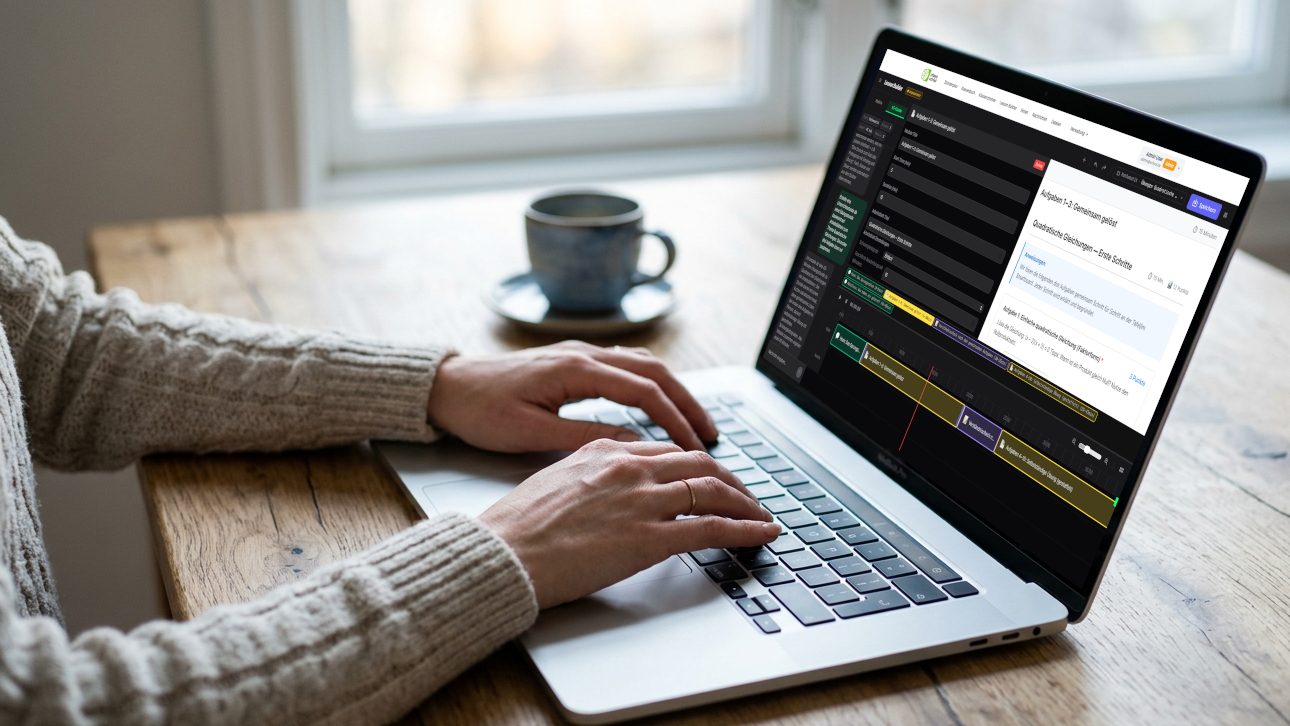
Lesson planning assistant
Describe what your class should learn in the lesson, and OhayoSchool drafts the flow, a script, and practice tasks. When you plan group work, OhayoSchool proposes who works together and only ever sees anonymized student IDs.
Learn more about the lesson plannerHow OhayoSchool supports your teaching
See which applications support you before, during, and after a lesson.
Let the curriculum assistant suggest the next topic from your class's curriculum, and turn proven building blocks into templates.
Learn moreGive each student their own document that is locked once submitted, and decide who may correct it.
Learn moreRelease building blocks one by one, call on students who raise their hands, and bring results from group rooms back to the whole class.
Learn moreRemind students about open submissions, check submissions for similarity, and see your class's homework load.
Learn moreRecord a lesson and share the transcript and translation with your class.
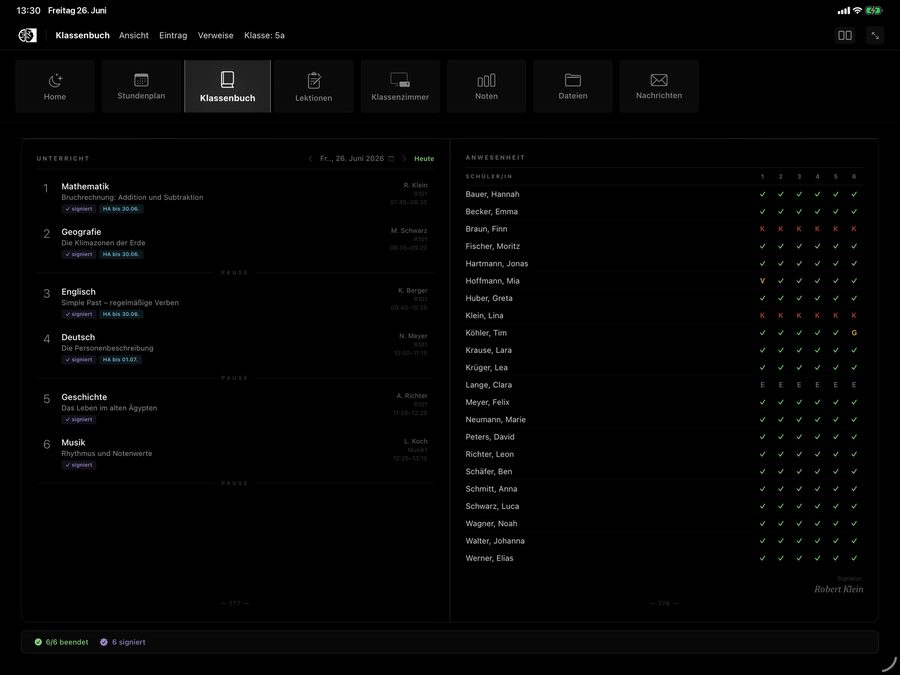
Learn moreFind every lesson from the timetable in the class register, take attendance in one step, and sign the entry.
Learn moreCreate an accident report for an accident in your lesson, and see alerts on compulsory schooling violations in your classes.
Learn moreEnter grades in everyday language and let OhayoSchool draft a report card text from your observations.
Learn moreSee where a student differs from the class average and get a suggestion for the topic to work on next.
Learn moreLet students practice the material from your lessons and see in the log how each child has progressed.
Learn moreTurn on “learning pilot for early finishers” in the classroom so that students who hand in their worksheet early keep learning in the learning terminal.
Learn moreIn focus
 OhayoSchool
What is learning analytics?
What learning data tells teachers and where learning analytics reaches its limits.
Read articleWhat is implicit learning?
What students learn through practice without consciously noticing it.
Read articleGet started
OhayoSchool in action
Book a personal demo to see how teachers work with OhayoSchool.
Frequently asked questions
Do I need a particular device?
No. All you need is a browser and your school account, in the classroom as well as at home.
How do I learn how OhayoSchool works?
Ask OhayoSchool in the Ohayo Terminal. The terminal knows the functions of OhayoSchool and explains how to do things. Learn more about the Ohayo Terminal
Does my students' data go to external AI providers?
No. Every assistant works with language models on OhayoSchool's own servers in Germany.
Can I bring over my existing grade lists?
Yes. You import them from a file and can export your grades again at any time.
What do parents see of their child's performance?
Their child's grades as soon as you enter them. If your school turns on the view, parents also see a summary of the learning profile with strengths, topics practiced, and progress, without raw scores.
What do the applications for teachers cost?
Every application for teachers is part of the intelligence infrastructure. The Administration package is billed per student per month, the Intelligence infrastructure package additionally per active student. Accounts for teachers, office staff, and school leaders cost nothing extra. See pricing
Can I try OhayoSchool before I commit?
Yes. In a personal demo, we show OhayoSchool with the data of a sample school.