Shared documents for staff and students
Write worksheets and presentations with your colleagues and hand out documents directly to your students.

More collaboration in subject departments with documents and presentations you edit together
Create teaching materials as a team
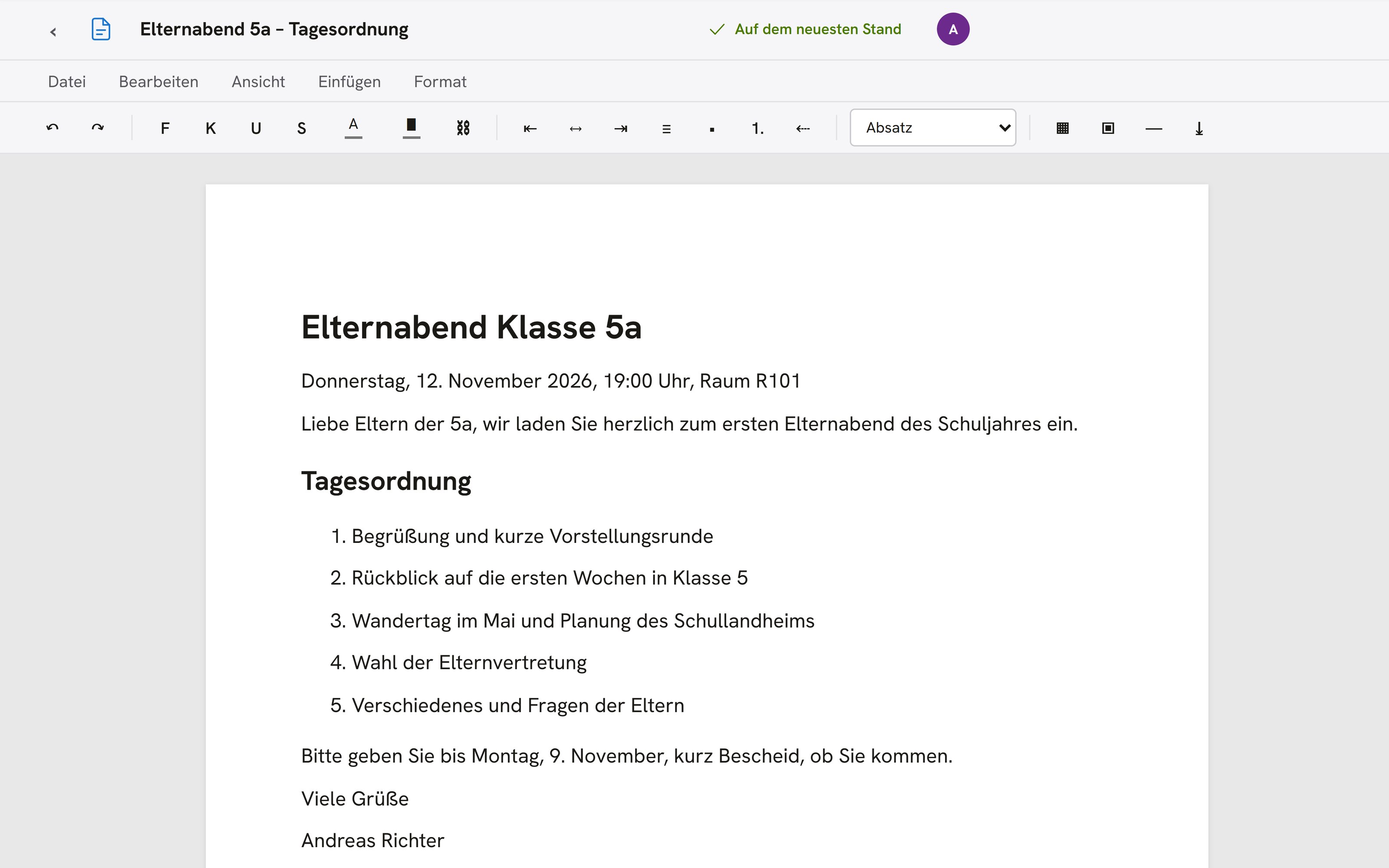
In Office, several teachers write in the same document at the same time. Every change appears instantly for everyone who has the document open.
All lesson design applicationsDiscussion in the document
Settle questions with comments and replies in the text.
Earlier versions within reach
Go back to a saved version if a change doesn't work out.
Corrections in the same place
Correct submissions in Office, where your students wrote them.
Classes already set up
Office uses the classes and student lists that your school keeps in OhayoSchool.
Assistant for Office
Create worksheets and presentations in conversation with OhayoSchool.
Office assistant
Describe what you need to the Office assistant in everyday language, such as a worksheet for every student in a class. It creates documents and presentations and restores an earlier version on request. OhayoSchool carries out each step only after you confirm it.
Learn more about AI agentsExplore Office functions
Use Office in your department and in class with your students.
Keep concepts and minutes as documents alongside your teaching materials.
Prepare slides for lessons or staff meetings.
Use an existing document as the starting point for a new one.
Share documents with individual colleagues.
Mark settled comments as resolved so that open points stay visible.
Save important stages as a version.
Create a document for every student in a class.
Freeze a document as soon as it has been handed in.
Decide who may correct the submissions.
Save the whiteboard from the digital classroom as a document.
Use a document as the basis for an assignment to the class.
Resources
 OhayoSchool
The next step
OhayoSchool in action
Learn in a personal demo how OhayoSchool fits into the way your school works.
Frequently asked questions
Do I need to install anything for Office?
No. Office runs in the browser, and you sign in with your school account.
What happens when I freeze a document?
From then on, the student can no longer change it.
Can I share documents with people who don't have an account?
Yes. You export the document as a file and pass it on.
What does Office cost?
Office is part of the Intelligence infrastructure package. It builds on the Administration package and is billed additionally per active student per month. Accounts for teachers, office staff, and school leaders cost nothing extra. See pricing
Can I try OhayoSchool before I commit?
Yes. In a personal demo, we show OhayoSchool with the data of a sample school.