Recorded lessons for catch-up and review
Capture lessons and video conferences as recordings and make what was said readable as a transcript in several languages.
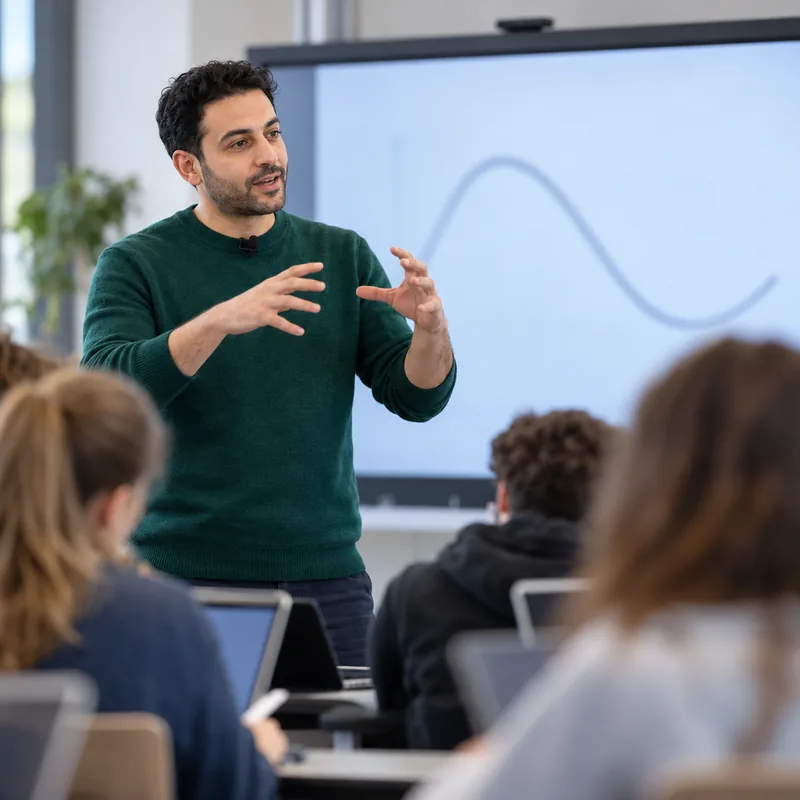
More inclusive lessons with recordings that come with a transcript and translation
Capture lessons for follow-up
Start recording directly in the digital classroom or in a video conference. You then open a recorded lesson in the follow-up view, together with its transcript.
All digital teaching applicationsCatch up on lessons
Let students who were absent listen to and read the lesson they missed.
Multilingual classes
Support students who are still learning German with the lesson transcript in their own language.
Review before tests
Give your class the transcript as a basis for review.
Alongside your other files
Manage recordings in document management and share them like any other file.
Assistant for recording and transcription
Turn recordings into readable text with OhayoSchool.
Recording assistant
OhayoSchool recognizes what is said in the recording and writes it down as a transcript. On request, OhayoSchool translates the transcript into other languages, and you review the result before passing it on.
Learn more about AI agentsExplore recording and transcription functions
Work with recordings, transcripts, and translations in one application.
Set the layout in which OhayoSchool saves the recording.
Play recordings directly in OhayoSchool.
Export a recording as a file, for example for your own archive.
Fix names and technical terms directly in the transcript.
Restart processing if a recording was not fully processed.
Every translation stays with the recording, so each language only needs to be translated once.
See which languages each recording's transcript is already available in.
Resources
 OhayoSchool
The next step
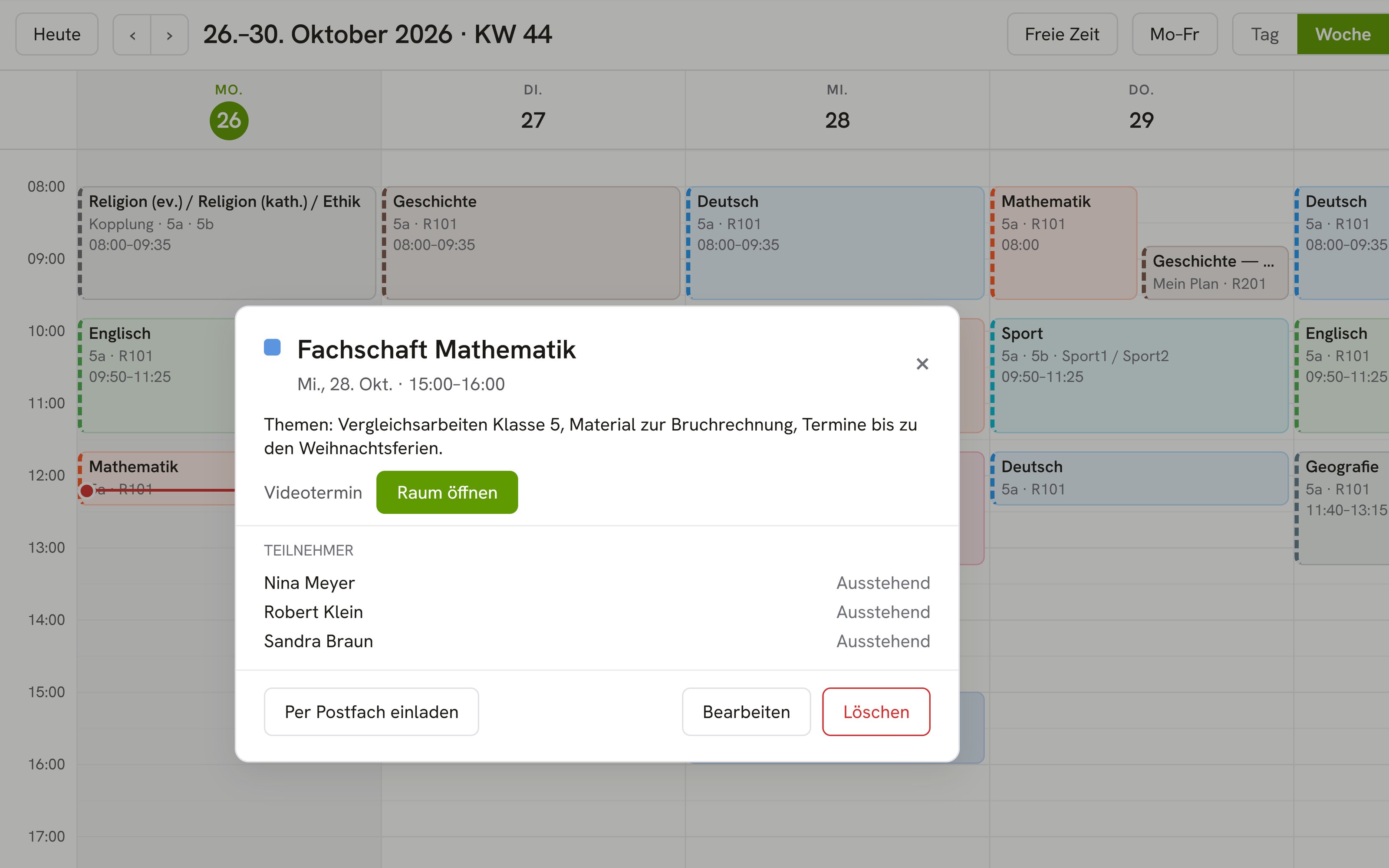
OhayoSchool in action
Learn in a personal demo how OhayoSchool fits into the way your school works.
Frequently asked questions
Where is the transcript created?
On servers in Germany. OhayoSchool runs speech recognition itself, and neither audio nor text goes to external AI providers.
Does the transcript replace the minutes of a staff meeting?
No. The transcript reproduces what was said. You record decisions and results in the minutes that you keep for each meeting in OhayoSchool.
What do recording and transcription cost?
Recording and transcription are part of the Intelligence infrastructure package. It builds on the Administration package and is billed additionally per active student per month. Accounts for teachers, office staff, and school leaders cost nothing extra. See pricing
Can I try OhayoSchool before I commit?
Yes. In a personal demo, we show OhayoSchool with the data of a sample school.