Interactive lessons with the whole class
Broadcast your lesson to your students' devices and teach in one shared room with a whiteboard, hand raising, a spotlight, and group rooms.
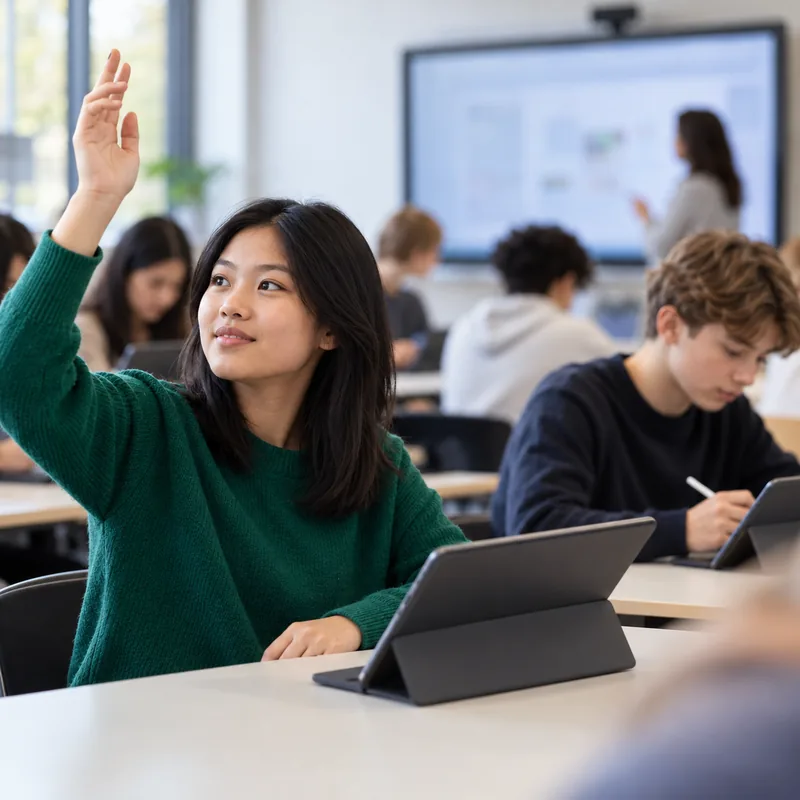
More participation in lessons with a classroom on your students' devices
One room for the teacher and the class
The class joins your room on their devices, and your cockpit shows who is there. From the cockpit, you run the lesson from the first module to the results of the group work.
All digital teaching applicationsA voice for quieter students
Give students who rarely raise their hand an easy way to take part.
Feedback during the lesson
Use the class's answers to see whether a topic has been understood while there is still time to address it.
Planning and teaching connected
Teach the lesson with the modules you prepared in the lesson planner.
Classes ready to go
Find every class with its students exactly as they are set up in OhayoSchool.
Assistant for the digital classroom
Divide the class into groups with suggestions from OhayoSchool.
Classroom assistant
OhayoSchool suggests how to split the class for group work, using only anonymized student IDs. You review the suggestion and use it for the group rooms.
Learn more about AI agentsExplore digital classroom functions
Teach the whole class, at the whiteboard, and in groups with one application.
Decide when the class sees the next module of your lesson, and end the broadcast when the phase is over.
Give a presentation with slides and move to the next slide for the whole class.
Watch the answers to a question as they come in.
Students raise their hand on their device, and you call on whoever wants to speak.
Bring a student and their contribution to the front for everyone to see, and end the spotlight when you move on.
Pick up questions from the room chat, even while you are speaking.
Open the whiteboard for the class, and every stroke appears for everyone right away.
Save the whiteboard as a document so the board is kept after the lesson.
Assign the class to group rooms and move individual students to another group.
Check which groups have finished and which are still working.
Bring each group's result back to the shared room and close the group rooms.
Resources
 OhayoSchool
The next step
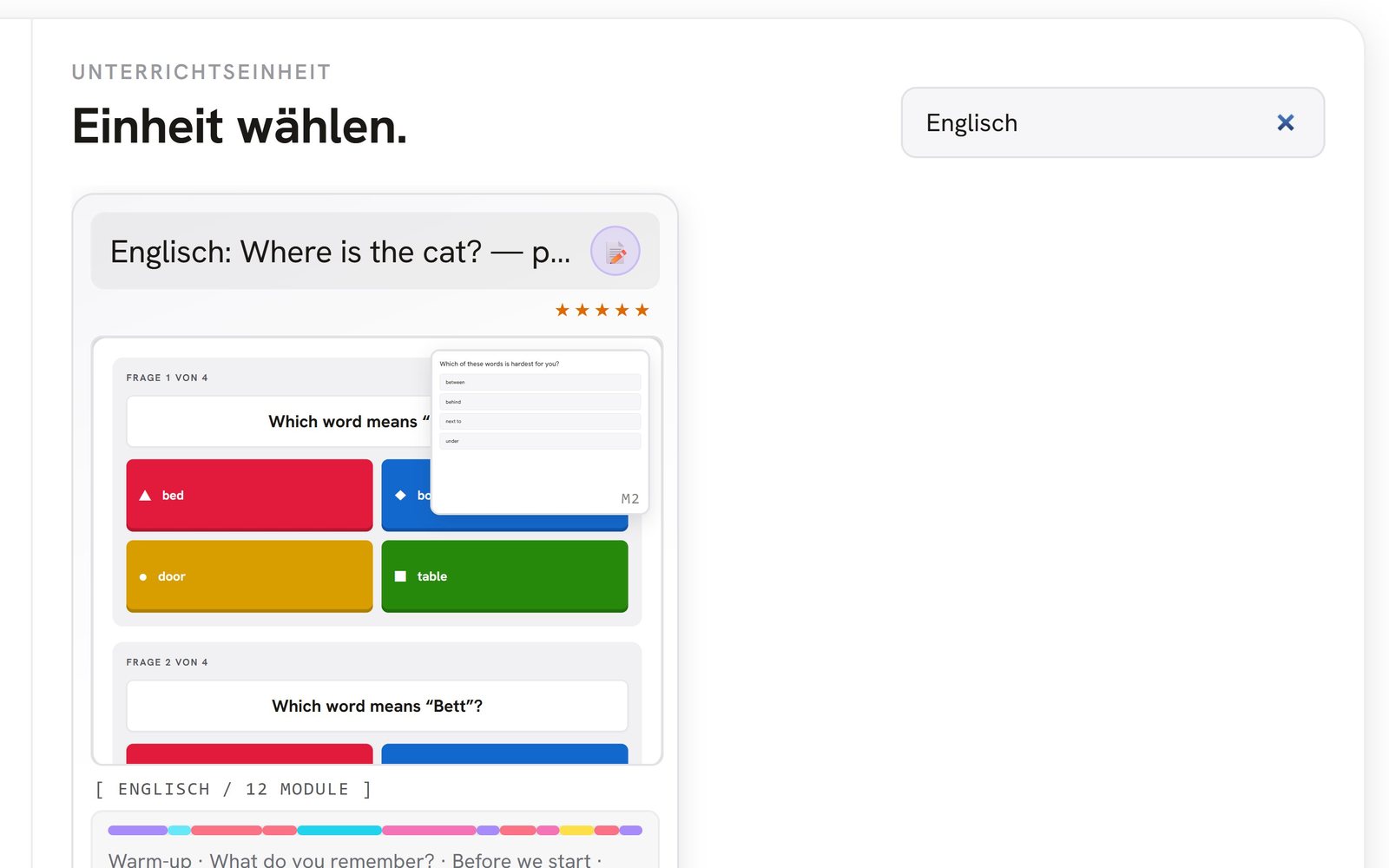
OhayoSchool in action
Learn in a personal demo how OhayoSchool fits into the way your school works.
Frequently asked questions
How do students join a classroom?
With their school account. Each time someone joins, OhayoSchool checks whether they have access to that room.
Can I record the lesson?
Yes. You start the recording in the classroom and find it in the follow-up view after the lesson.
What does the digital classroom cost?
The digital classroom is part of the Intelligence infrastructure package. It builds on the Administration package and is billed additionally per active student per month. Accounts for teachers, office staff, and school leaders cost nothing extra. See pricing
Can I try OhayoSchool before I commit?
Yes. In a personal demo, we show OhayoSchool with the data of a sample school.