Digital notices around your school
Set up information screens for the entrance hall, cafeteria, or staff room, and show information from OhayoSchool there.
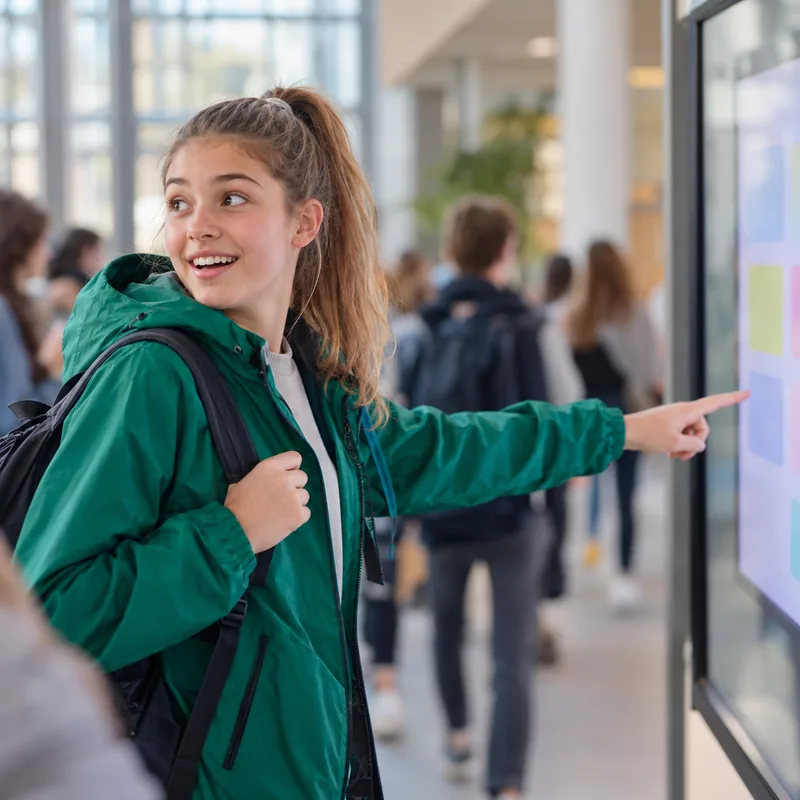
More visibility for school information with screens you set up yourself
Connect each screen through its own address
Every screen gets its own address in OhayoSchool. Open that address on the device on site, and it shows the content that OhayoSchool provides for that screen.
All business process management applicationsData in Germany
Screens load their content from servers in Germany.
Easy device swaps
If a device fails, open the screen's address on another one.
One admin area
Set up screens in the same place where you manage mailboxes and inventory.
For events too
Add an extra screen for a project week or an open day.
Explore digital signage functions
Create screens, keep track of them, and remove them again.
Create a separate screen for each location.
Name each screen after its place in the building so that the list stays clear.
See in one list which screens your school has set up.
Delete a screen you no longer need.
Resources
 OhayoSchool
Business process management
All applications for workflows in the school office and across campus.
Learn moreThe next step
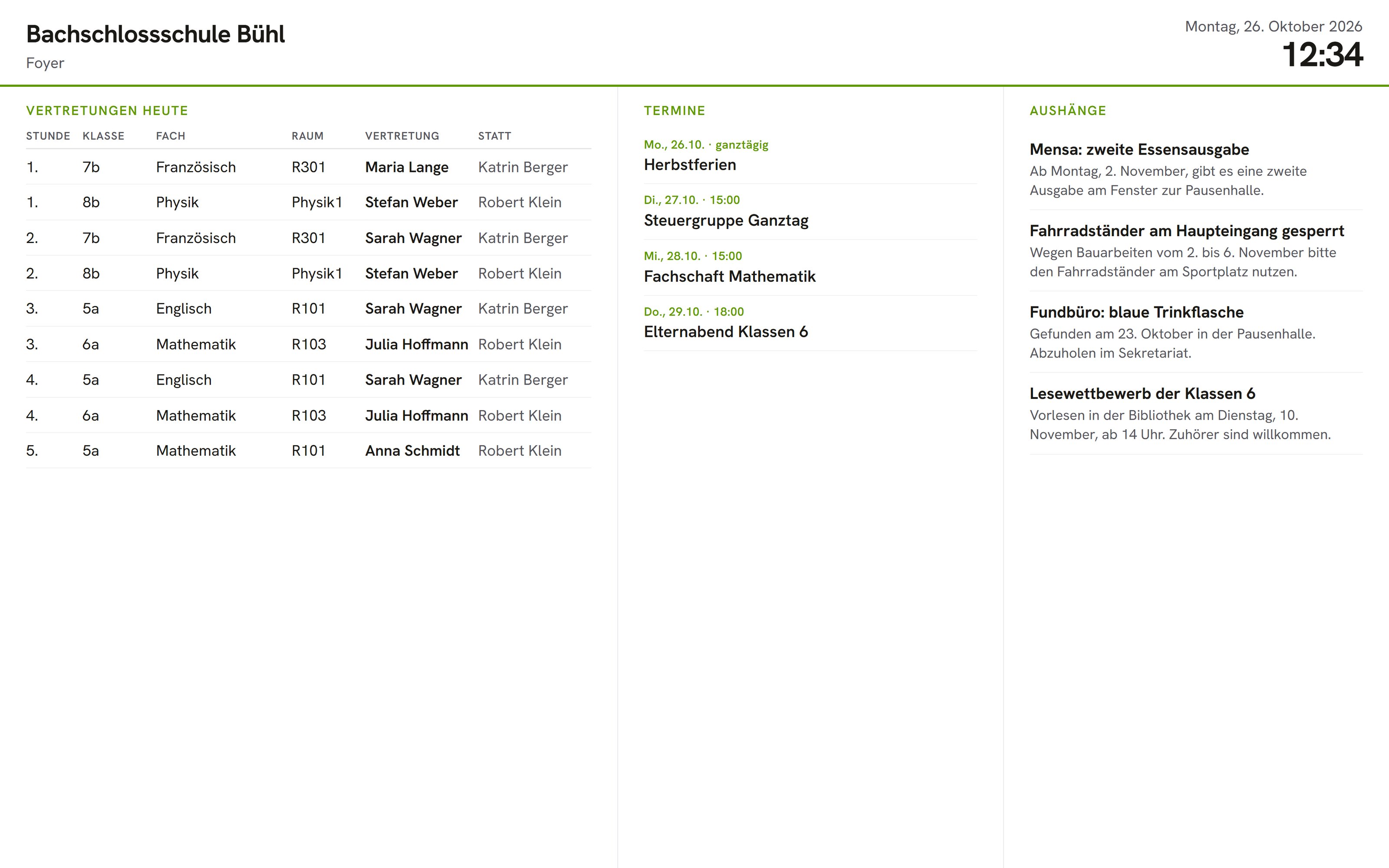
OhayoSchool in action
Learn in a personal demo how OhayoSchool fits into the way your school works.
Frequently asked questions
Which devices can serve as a screen?
A device with a display and a browser is enough. The screen runs as a web page, so you do not need to install any extra software.
What happens when we delete a screen?
It disappears from the list, and its address no longer shows any content. A screen you create again gets a new address.
What does the digital signage application cost?
The digital signage application is part of the Administration package and included in the price per student per month. Accounts for teachers, office staff, and school leaders cost nothing extra. See pricing
Can I try OhayoSchool before I commit?
Yes. In a personal demo, we show OhayoSchool with the data of a sample school.